Parts catalogue & fitment
Every part with its number, barcode, category and the vehicles it fits.
- Part numbers and OE cross-references as custom fields
- Make, model and year lookup in the app
- Serial tracking for batteries and starters
Stock, counter sales, trade accounts and supplier orders for parts stores, in one system.
Choose a make and model to preview how a fitment lookup reads. In the app the lookup searches make and model in your own part titles.
Built for
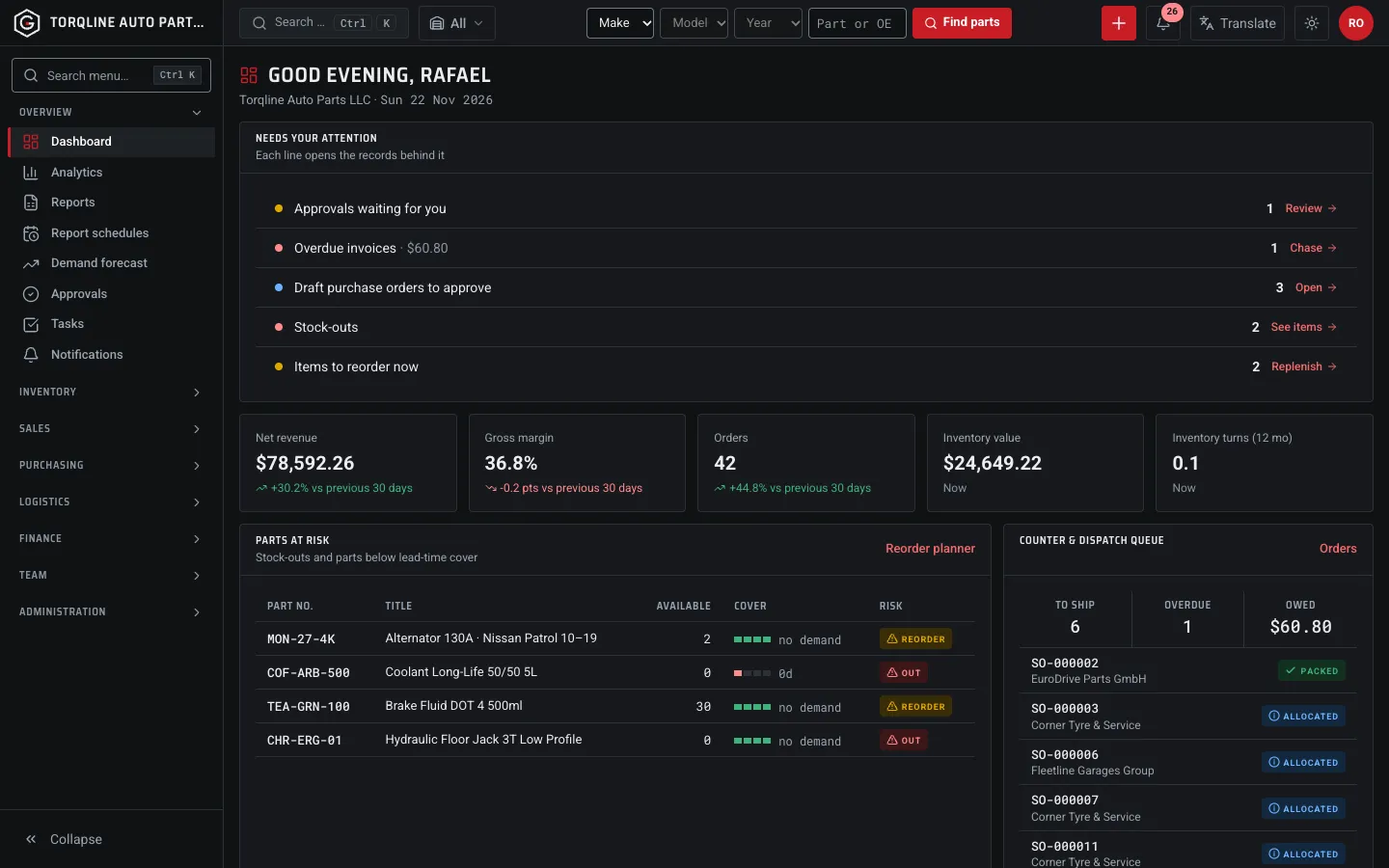
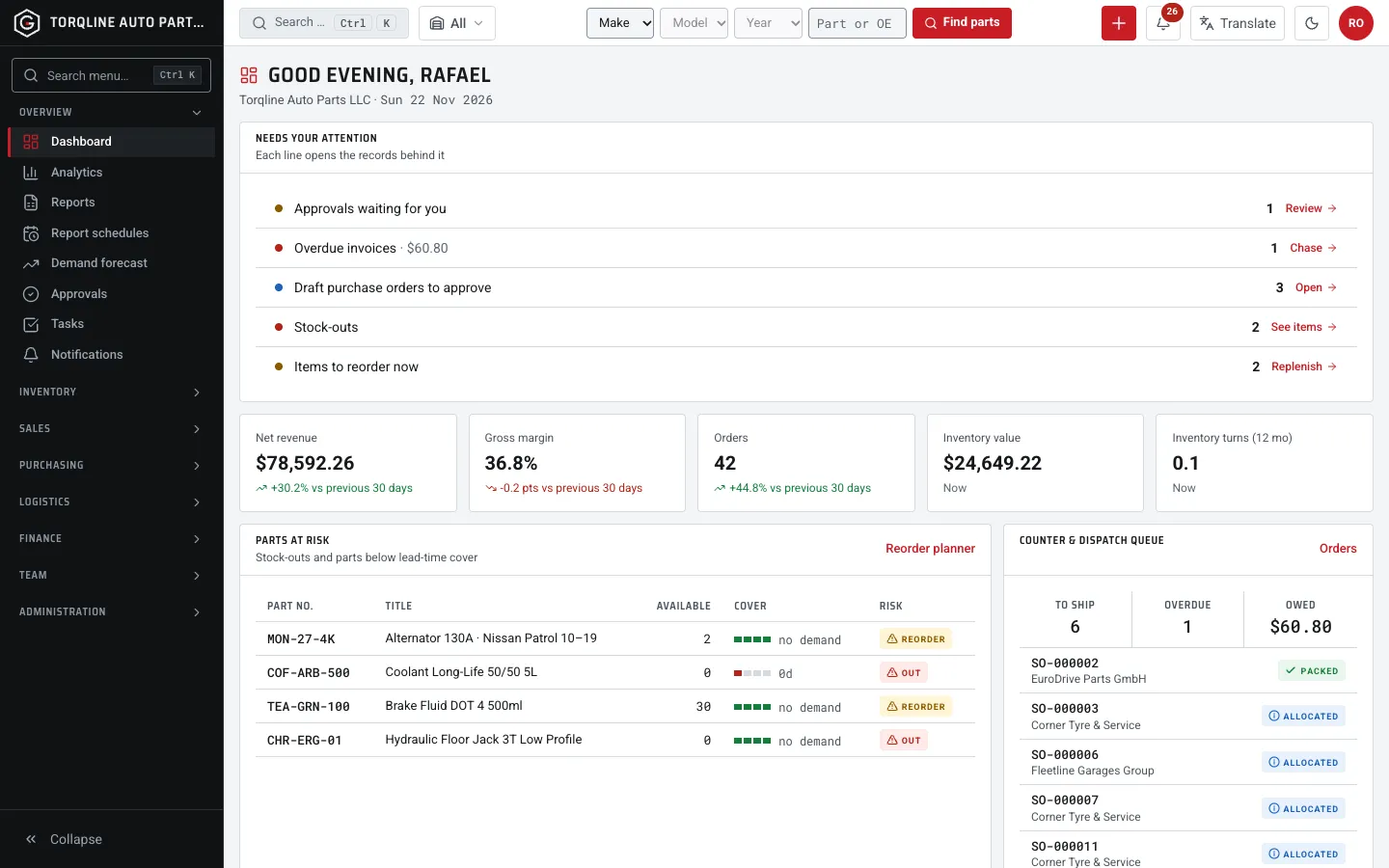
Six areas that share one stock number. Switch on only what each branch needs.
Every part with its number, barcode, category and the vehicles it fits.
Stock by branch · Al Quoz Counter
SampleSee live stock for every branch while the customer is still at the counter. Starters and batteries are tracked by serial number, oils and fluids by batch and expiry.
See stock at every branch, move it between sites and ship it across borders, with duties and landed cost worked out for you.
Branch types: warehouse, counter, mall, fulfilment, 3PL
Portals: trade buyers, suppliers, field reps
AI import of supplier price files
Roles from owner to cashier
No consultants, no six-month rollout.
Upload supplier price files and let AI import map the columns. It needs your own Gemini key.
Create price lists for garages and fleet accounts.
Ring up parts at the POS or let trade buyers order in the portal.
Turn low-cover parts into purchase orders in a few clicks.
What changes when your parts live in one system.
| Spreadsheet and disconnected apps | Gearholt |
|---|---|
| Stock counts that are out of date by lunchtime | Live stock in every bin, updated with every scan |
| Reordering from memory and gut feeling | Reorder suggestions from real demand and lead times |
| Copying orders between counter, warehouse and accounts |
I type the part number or pick the car, and the counter shows what is on the shelf at every branch before I promise it.
Receiving a supplier delivery is a scan, not an afternoon of paperwork, and the reorder planner flags brake pads before we run out.
Trade price lists and fleet accounts sit in the same system as the till, so month-end is one export.
The lookup searches make and model in your part titles, for example “Brake Pad Set Front · Toyota Corolla 14–19”. Add Make, Model and Year custom fields in Settings if you want them on the record.
Any USB or Bluetooth scanner that types into a field works in the POS, receiving, picking and stock counts.
Yes. Serial-tracked products record every unit from receipt to sale and return. Oils and fluids can be tracked by batch and expiry.
Open the live demo with one click, no sign-up needed.
A fast, touch-friendly register for the parts counter.
Garages and fleets buy on account at their own prices.
From reorder suggestion to received goods, with suppliers in the loop.
See stock at every counter and warehouse, and move it before it runs out.
Every stock movement posts to a double-entry ledger automatically.
| One order flows from POS to picking to the ledger |
| Trade prices kept in a separate file | Price lists per customer, applied at the till |
| Month-end close that takes a week | Journals posted as it happens, close in a day |
Yes. Each branch has its own stock, bins and prices, and you can move parts between them with transfers.
The AI import and AI assistants use Google Gemini. They need your own Gemini API key, which you add in Settings.